Description
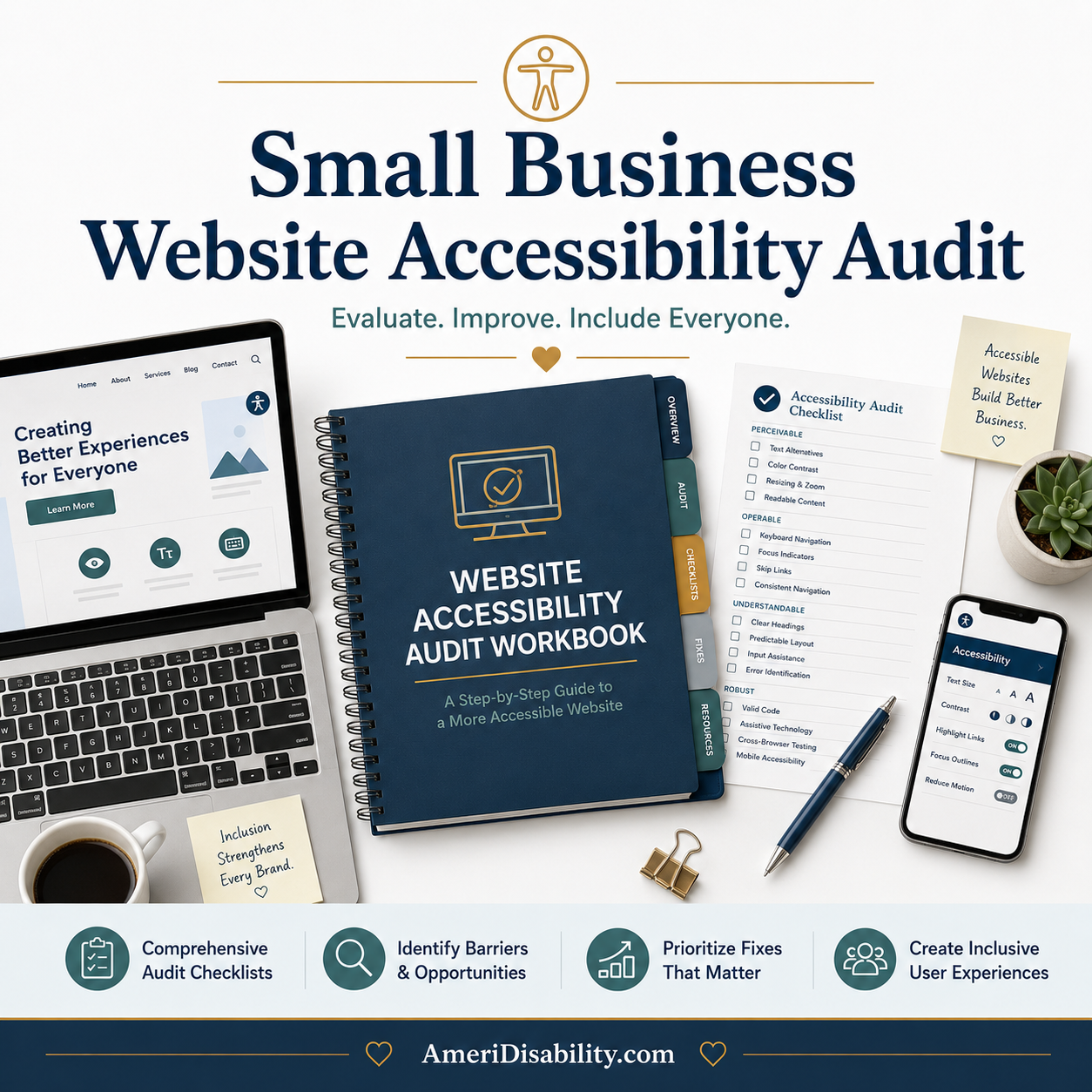
Website accessibility audits from professional consultants cost thousands of dollars. Most small businesses skip them. The result: websites that don’t work for visitors with disabilities, missed audience, legal exposure that could have been avoided, and a vague sense that “accessibility” is something other people handle. This checklist walks you through the most common accessibility issues in plain language, prioritized by impact, so you can improve your site yourself — most of it in a single weekend.
What’s Inside
The Small Business Website Accessibility Audit Checklist is 46 pages organized into 11 sections:
- Why Accessibility Matters for Small Businesses — audience reach (1 in 4 US adults), legal risk (Title III of the ADA), SEO benefits, brand reasons. The case without the lecture.
- Quick Wins — the first hour. The 12 highest-impact, lowest-effort improvements most small business sites need.
- Images and Alt Text — good vs. bad alt text examples, how to handle decorative images, logos, charts, and stock photos. Common fixes for WordPress, Squarespace, Wix, Shopify, Webflow.
- Color and Contrast — WCAG ratios in plain language, how to test (free tools), common fixes when text fails contrast.
- Forms and Input Fields — labels (the most common form failure), error messages, required fields, time limits. The audit + how to fix.
- Navigation and Keyboard Access — the Tab key test, focus indicators, skip links, modal patterns. How to test and what to fix.
- Video, Audio, and Captions — what each content type needs (captions, transcripts, audio descriptions), auto-captions vs. human-edited captions, professional captioning options.
- PDFs and Documents — why PDFs are accessibility-hard, when to convert to HTML instead, what makes a PDF accessible.
- Mobile Accessibility — touch targets, viewport, OS-level testing (font size, reduced motion, screen reader). What desktop testing misses.
- When to Hire a Professional — what you can DIY, what needs an expert, how to evaluate accessibility consultants, why accessibility overlays don’t work.
- Verifying Current Accessibility Standards — standards evolve; where to check what’s current (W3C, WebAIM, U.S. Access Board, ADA.gov).
Each section follows the same structure: plain-language explanation of why it matters, prioritized audit checklist with HIGH/MED/LOW ratings, how to test (with free tools), common fixes for the major CMS platforms.
Who This Small Business Website Accessibility Audit Is For
- Small business owners who built their own websites and want them to work for everyone
- Freelancers and consultants whose websites represent their professional brand
- Bloggers and content creators who care about audience reach
- Nonprofits with limited tech budgets who want to do this right
- Anyone managing a website built on common platforms (WordPress, Squarespace, Wix, Shopify, Webflow)
- Anyone who has heard “accessibility” mentioned and wasn’t sure what to do about it
What This Checklist Will And Won’t Do
Will: Walk you through the most common accessibility issues. Prioritize them by impact. Tell you exactly what to look for and how to test it. Provide platform-specific fix guidance. Help you make your site substantially more accessible in a weekend.
Won’t: Make you an accessibility expert. Catch every possible issue. Provide legal compliance certification. Replace user testing with people who have disabilities. The checklist is honest about its scope.
The plain-language promise
- No WCAG jargon dumping
- No “you need to hire a developer” hand-waving
- No legal advice (you’ll see this stated clearly)
- No accessibility-overlay snake oil
- No shaming about your current site’s state
This is what an accessibility consultant would tell a small business client over coffee — not what a 200-page WCAG specification looks like.
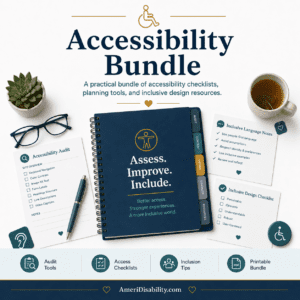
Anchor of the Accessibility Bundle
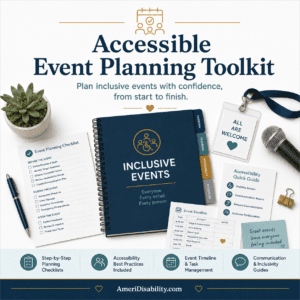
This checklist is the anchor of the Accessibility Bundle ($89), which also includes the Accessible Event Planning Toolkit, Accessible Social Media Content Checklist, and Faith Community Accessibility Toolkit.
The Bottom Line
Most sites can be substantially improved in a weekend. The improvements compound over time. You don’t need a perfect site; you need a site that’s substantially better than it is today. This checklist gets you there.
$29 — instant PDF download. 46 pages.